

How to Configure Codex with CC Switch (A Practical Guide)
Set up a switchable Codex provider, verify authentication, and debug common 401 errors without hand-editing every file.
Bank Card Basic Information Query API: identify the bank and card type from a card number
Turn one bank card number into a normalized issuer and card classification, with result-aware billing and optional field encryption.
A checkout form receives a card number, but the next screen needs to show the issuing bank and whether the card is debit or credit. Asking the customer adds friction. Maintaining a local bank identification table adds update work and still leaves gaps. A direct lookup lets the application fill those details from the number already provided.
The Bank Card Basic Information Query API on Ace Data Cloud accepts a bank card number and returns the issuing bank plus a numeric card type. It is useful when we need to enrich a payment record, route a customer through the right flow, or normalize card metadata before another check.
This endpoint does not confirm that a person owns the card. It also does not compare a name, identity number, or mobile number. For those checks, the related Bank Card Two-Element Verification API, Bank Card Three-Element Verification API, and Bank Card Four-Element Verification API handle progressively richer verification inputs.
One number produces two pieces of usable metadata
We send a POST request to /identity/bankcard/check-1e. The required JSON body has one field, bank_card. Authentication uses a bearer token in the authorization header. The accept header may be application/json or application/x-ndjson; the example below requests JSON.
The integration guide provides the application steps, while the endpoint specification defines the request and response schema.
curl -X POST 'https://api.acedata.cloud/identity/bankcard/check-1e' \
  -H 'accept: application/json' \
  -H 'authorization: Bearer YOUR_TOKEN' \
  -H 'content-type: application/json' \
  -d '{
    "bank_card": "6222021234567890123"
  }'
The card number in the documentation example is sample data. In production, we should keep card data out of source code and logs, send requests over HTTPS, and apply the retention controls required by our compliance program.
A successful lookup can return:
{
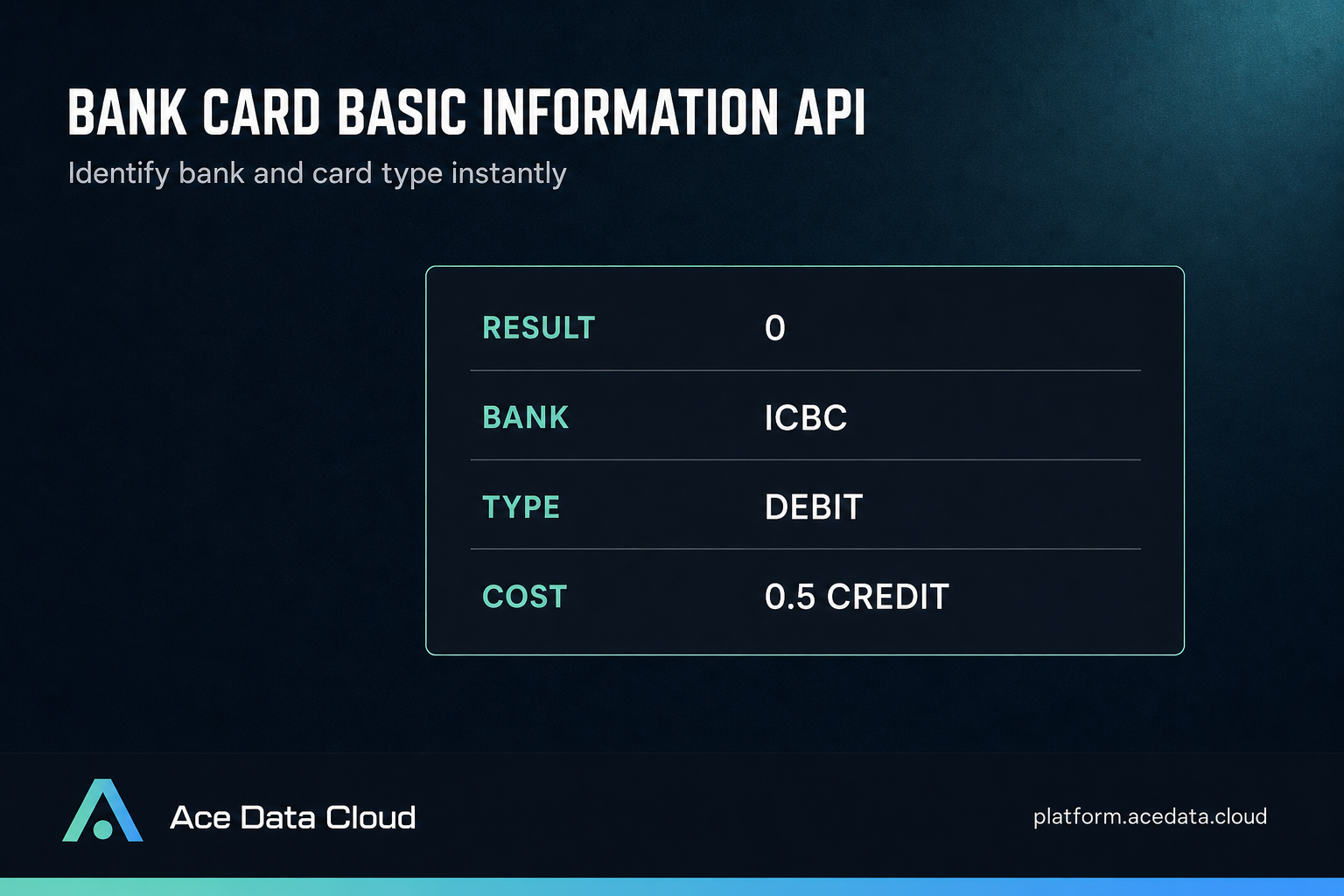
  "result": "0",
  "description": "Query successful",
  "account_bank": "Industrial and Commercial Bank of China",
  "account_type": 1
}
Each field has a narrow role:
resultis a string containing the business result code. A value of"0"means the lookup succeeded.descriptionis the human-readable business result, such as"Query successful".account_banknames the issuing bank. The example returns"Industrial and Commercial Bank of China".account_typeis numeric.1means debit card,2means credit card,3means prepaid card, and4means quasi-credit card.
We can map account_type into an internal enum at the application boundary. Keeping the original number alongside the normalized label makes future debugging easier without changing the API response.
CARD_TYPES = {
    1: "debit",
    2: "credit",
    3: "prepaid",
    4: "quasi-credit",
}

def normalize_card_lookup(payload):
    return {
        "result": payload["result"],
        "bank": payload.get("account_bank"),
        "card_type": CARD_TYPES.get(payload.get("account_type"), "unknown"),
    }
The code checks the business result separately from the HTTP status. An HTTP 200 response can still carry a result other than "0", so a client that treats every 200 as a completed lookup will lose useful state.
Billing follows the business result
The listed API cost is 0.5 credits for a billable query. The integration guide divides business result codes into charged and zero-billed outcomes:
0, query successful: charged at 0.5 credits.-1, no information found: charged at 0.5 credits.-2, verification center service busy: billed at zero.-3, bank card does not exist: billed at zero.
The unexpected part is that a negative result does not determine the charge by itself. “No information found” is chargeable, while “bank card does not exist” is billed at zero. We should branch on the exact result value rather than grouping every nonzero value into one generic failure.
That distinction also changes retry behavior. A -2 result describes a busy verification center and can be retried with backoff. A -3 result describes a card that does not exist and should normally stop the workflow. A -1 result means the lookup completed without finding information, so repeated immediate calls may create another charge without producing new data.
RETRYABLE_RESULTS = {"-2"}
TERMINAL_RESULTS = {"0", "-1", "-3"}

def next_action(payload):
    result = payload.get("result")
    if result in RETRYABLE_RESULTS:
        return "retry_with_backoff"
    if result in TERMINAL_RESULTS:
        return "stop"
    return "inspect_unknown_result"
This result-aware approach gives us cleaner operations and more accurate cost tracking. We can record the business code with our request identifier and compare expected billing against usage records without storing the full card number.
Sensitive fields can use an encryption object
The request schema includes an optional encryption array for teams that need to send sensitive fields in encrypted form. The supported algorithms are AES-256-CBC and SM4-GCM; the default is AES-256-CBC.
Each encryption object can contain:
algorithm, the selected encryption algorithm.encrypt_list, one or more field names to encrypt. For this endpoint, the sensitive request field isbank_card.iv, a user-defined 16-character initialization vector for CBC encryption.tag_list, message digests generated by SM4-GCM for integrity verification.ciphertext_blob, the encrypted symmetric-key ciphertext, represented as a number in the endpoint schema.
The exact values depend on the encryption setup used by the account, so we should follow the platform’s data-encryption instructions rather than inventing keys or ciphertext. The important integration choice is made early: a basic HTTPS request can send bank_card directly, while a configured encryption flow can identify that field through encrypt_list and supply the matching cryptographic metadata.
Transport errors need a separate path
Business result codes live in a successful JSON response. HTTP and platform errors use another shape. The specification lists these cases:
- HTTP 400 with
token_mismatchedwhen the token does not match the API. - HTTP 400 with
api_not_implementedwhen the API is not implemented. - HTTP 401 with
invalid_tokenfor an invalid or missing token. - HTTP 429 with
too_many_requestsafter exceeding the rate limit. - HTTP 500 with
api_errorfor an internal server exception.
An error response includes an error object and a trace_id:
{
  "error": {
    "code": "invalid_token",
    "message": "The specified token is invalid or wrong."
  },
  "trace_id": "2efa9340-b21b-4e26-9e14-4aac95f343ab"
}
error.code is the stable value for program logic. error.message explains the failure. trace_id identifies the request when we send it to support. We should preserve that trace ID in application logs while excluding the bank card number.
Put the lookup at the boundary of the payment flow
A practical integration validates that the input is present, calls the endpoint once, and converts the returned bank and card type into internal fields. It retries only -2 and transport failures that are safe to retry. It stops on -1 and -3, even though those outcomes have different billing treatment.
We can create a token in the Ace Data Cloud console, send the request to /identity/bankcard/check-1e, and keep the four business codes explicit in our implementation. You pay us 0.5 credits for each billable query, while we bill -2 and -3 outcomes at zero. If an integration behaves differently from the documented schema, send the trace_id to us so we can follow the request through our infrastructure.
Sources: Ace Data Cloud Bank Card Basic Information Query API integration guide | Ace Data Cloud endpoint specification
Tags: Bank Card API, Identity Verification, Fintech, API Development, Web Development


